Home About Us
Services
QuickBooks Cloud Hosting
Data Services
Sage Application Hosting
Contact Blog

Request A Quote

image
Overview

QuickBooks Data Conversion Service

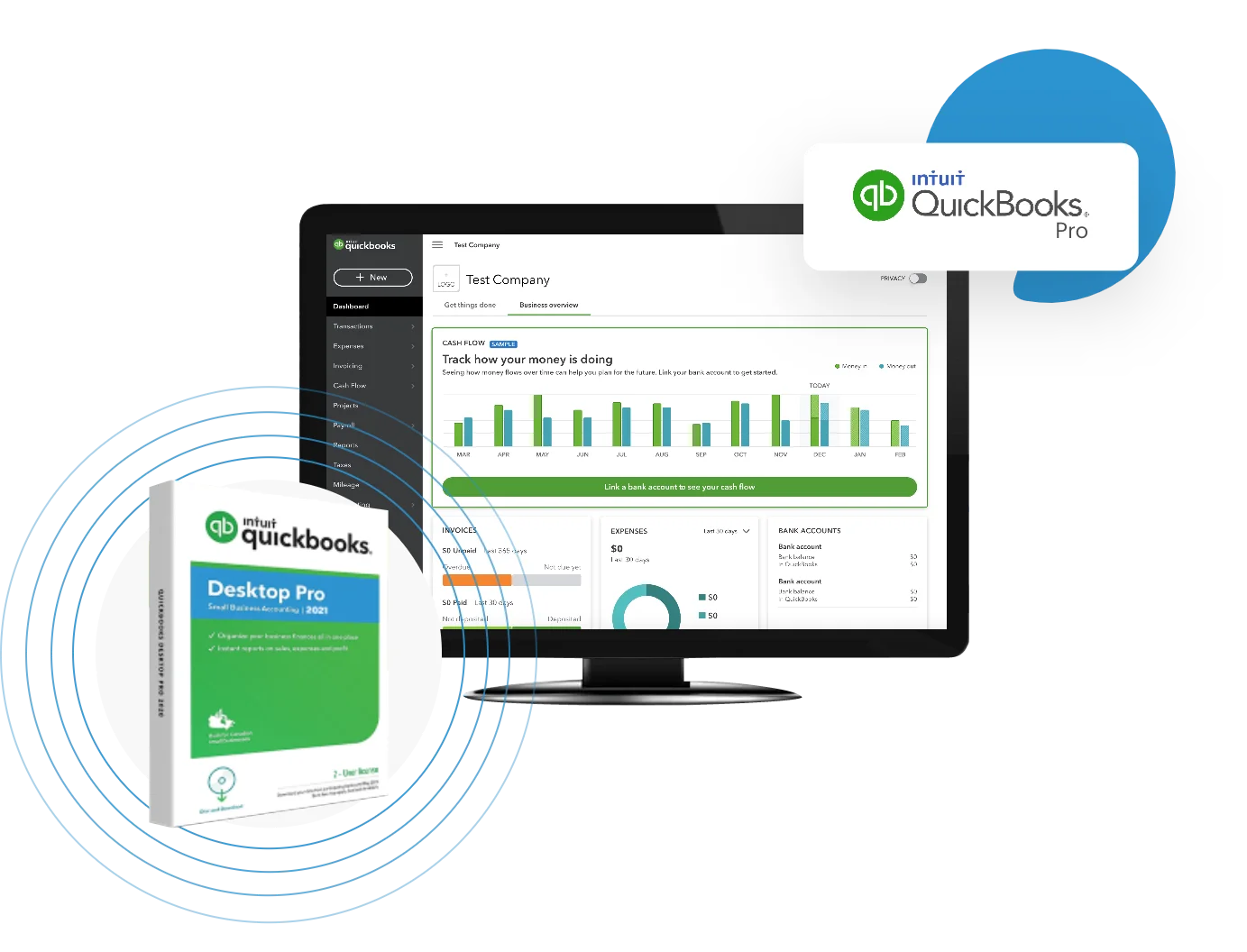
QuickBooks data conversion services consist of transfer of accounting information from one software to another, i.e., from QuickBooks Desktop to QuickBooks Online.

These services help in the faster functioning of QuickBooks processes with correct data migration, eliminating errors and issues, and preventing data loss.

We focus on quick, safe data conversion services to safeguard your financial records so that your business can function properly without any disruptions.

Easy And Accurate QuickBooks Data Conversion Service

When your business grows, your accounting needs also evolve. Moving from an older version of QuickBooks, switching from QuickBooks Desktop to QuickBooks Online, or migrating from another accounting software often requires specialist help to ensure your data remains accurate, secure, and accessible. This is where QuickBooks Data Conversion Service Team comes.

We are experts on end-to-end QuickBooks Data Conversion service—helping small, medium, and enterprise businesses transition smoothly while preserving the honor of their financial records.
image

Why QuickBooks Data Conversion Is Important?

  • • Ensures Continuity: all your financial data, including transactions, balance and reports, are originally move to the new system.
  • • Saves Time & Effort: Prevent hours of manual re-entry by automating the migration process.
  • • Protects accuracy: eliminates errors that often occur by manual data entry or third-party equipment.
  • • Prepare for Growth: Access new QuickBooks features such as cloud-based access, automation and integration with bank or app.

When Do You Need QuickBooks Data Conversion Service?

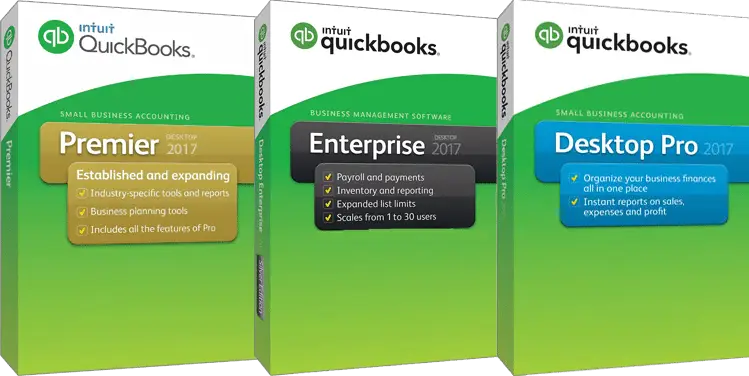
  • • Upgrade to the latest version from QuickBooks Desktop Pro, Premier, or Enterprise.
  • • Moving from QuickBooks Desktop to QuickBooks Online (QBO) or vice versa
  • • In migration QuickBooks from third -party accounting software (Sage, Xero, Excel)
  • • Integration of several company files into single QuickBooks -file.
  • • Restore or reconstruct data from damaged company files

Benefits Of Choosing QuickBooks Data Conversion Service


Experienced Specialists:
Years of expertise handling complex data conversions

Secure Process:
Your data is transferred using encrypted and secure methods

Quick Turnaround:
Minimal downtime, ensuring smooth business operations

Error-Free Migration:
We perform accuracy checks to remove mismatches, detect missing entries, and prevent data issues effectively.

Cost-effective:
Professional data conversion saves time and money by preventing hidden costs from data loss and downtime.

Expert assistance:
Our experts handle unsupported formats, duplicates, and missing data to ensure processing and prevent errors.

Growth and scalability:
A perfectly converted data helps in growth of the business. For example, QuickBooks is able to manage a large volume of transactions, a multi-user environment, as well as integration with other advanced tools.

image

Why Choose Us For QuickBooks Data Conversion Services?

  • • Proven Experience: Years of experience handling complex accounting data conversion.
  • •  Precision and Accuracy: Consistent processes to ensure your data remains accurate and reliable. 
  • • Minimal Downtime: Fast turnarounds with minimum impact on your daily operations. 
  • • Industry Expertise: We understand industry-specific requirements and customize solutions accordingly.
  • • Security: Your financial data stays private and protected at all times. 

Common Challenges In QuickBooks Data Conversion (And How We Solve Them)

  • • Data Corruption Issues: Fixed with QuickBooks File Doctor and data repair tools.
  • • Version Incompatibility: We use supported versions for smooth conversion.
  • • Large Company Files: Split and optimize large data files for faster migration.
  • • Payroll History Loss: Provide manual mapping or recommend QuickBooks Payroll setup.
  • • Missing Reports: Validate financial statements and reconcile discrepancies.

System Requirements For successful Data Conversion

  • • Operating system: We provide on multiple platforms i.e., Windows and Mac .
  • • Processor: 500 MHz Intel Pentium II (Minimum).
  • • Memory (RAM): 512 MB (Minimum required).
  • • Microsoft .NET Framework: Version 2.0 (Minimum required).
  • • Hard drive: 2.5GB of Free Space (Highly recommended).
  • • QuickBooks Desktop: Pro, Premier, or Enterprise 2016 or Higher.

Get Started Today – Risk-Free!

Make your accounting easier, faster, and more accessible with our QuickBooks Data Conversion Services. Whether you’re upgrading from a desktop setup or looking for a reliable new hosting partner, we’re here to help every step of the way.

Contact us now or start your free trial. Our friendly team is here to help every step of the way.

📞Call us: +1-866-643-0051

📧Email us: info@rightcloudhosting.com

💬Live Chat: Available

🔒100% Secure | No Setup Fees | Free Trial Available

We’ll help you restore your QuickBooks data quickly, securely, and affordably.

Frequently Asked Questions

Yes, when you do it right, your data must be accurate and complete. However, it is always recommended to ensure that it is always recommended to back up the original files and verify the data after conversion.

Some of the common challenges are Time varies depending on the size and complexity of your data. Small companies can complete the process within a few hours, while large organizations with wider items can take several days.

You can transfer lists (customers, suppliers, employees, accounts), historical transactions, balance sheet and report. The exact data that can be converted depends on the old system and the QuickBooks version.

Some restrictions include inconsistent data format, partial transfer of historical transactions or preparation problems. If done correctly, the risk is minimal, but inappropriate adaptation can cause loss of data or errors.

You can get QuickBooks Data While QuickBooks provides conversion equipment, professional help is often recommended – especially for complex data sets – to avoid errors, save time and ensure even migration.

Let's work together

Your requirements matter, and we’re ready to hear them.

Call Our Expert